Posted: Tue Oct 17, 2006 5:58 am
Satantango from Clavis Film.


--
Jan
--
Jan
https://www.criterionforum.org/forum/
Very savvy, Marty. Lucky bastard!marty wrote:The weekend after next there is an Antonioni retrospective in Melbourne, Australia and all films are apparent NEW prints. This is my schedule:
The Red Desert (Sat Oct 28, 4.15pm)
Blow Up (Sat Oct 28, 6.45pm)
Zabriskie Point (Sat Oct 28, 9.15pm)
L'Avventura (Sun Oct 29, 3.15pm)
La Notte (Sun Oct 29, 6.00pm)
L'Eclisse (Sun Oct 29, 8.30pm)

La Poste is pretty good, says I. Posta Romana are really terrible. Now that they are in the EU they ought to buck up their ideas.Kinsayder wrote:How frustrating! But it looks like you'll beat me to it. My copy's still passing through the bowels of the French postal system.
Fucking annoying when that happens. Just bung the DVD through the letterbox and fuck off in your van, drongo.davidhare wrote:My copy of Gueule d'Amour arrived today but FedEx left a fucking message card so I can't post caps until tomorrow nite.
Yes, it's an interlaced transfer. Anyone knows a deinterlacing program for the Mac that reads VOB files directly? I could deinterlace by going throgh DV but that recodes the frames AFAIK. (OTOH so does the JPEGdenti alligator wrote:Dunno, those Satantango caps are jaggied all over the place. See especially the fourth cap. I hope that's a result of the capturing.
 )
)You can choose Deinterlace from the Video menu in VLC. I generally use VLC for screencaps, though it's annoying that there's no way to single-step with VLC.JanPB wrote:Anyone knows a deinterlacing program for the Mac that reads VOB files directly?
Yes, it's annoying. I'll try to deinterlace those frames tonight, it's only fair to Clavis. OTOH their (is it theirs?) compression is firmly in the Kino and Facets league [-(Kinsayder wrote:You can choose Deinterlace from the Video menu in VLC. I generally use VLC for screencaps, though it's annoying that there's no way to single-step with VLC.JanPB wrote:Anyone knows a deinterlacing program for the Mac that reads VOB files directly?
Something is funny about either VLC or the disc. No matter which deinterlacing algorithm VLC uses, it produces ugly, blurry, double-image freeze frames. This doesn't make sense since Satantango is a film-derived DVD (obviously) so each interlaced pair correspond to THE SAME film frame. Hence, there can be no ghosting and blurring, by definition. So there is a bug somewhere. Any clues?JanPB wrote: Yes, it's annoying. I'll try to deinterlace those frames tonight, it's only fair to Clavis. OTOH their (is it theirs?) compression is firmly in the Kino and Facets league [-(


The proportions in those caps seem all out of whack. Their aspect ratio is 1.94:1, this is a 'scope film. Did you alter them at all?Steven H wrote:Screen captures from Criterion's Fires on the Plain
It might be me? It seems that I always have issues capturing with PowerDVD, or maybe I'm just really sensitive to a static capture versus film motion.Matt wrote:Maybe it's just the scope lenses, but the proportions in those caps seem all out of whack.
Pardon my PhotoChopping, but they ought to look more like this, no?Matt wrote:The proportions in those caps seem all out of whack. Their aspect ratio is 1.94:1, this is a 'scope film. Did you alter them at all?Steven H wrote:Screen captures from Criterion's Fires on the Plain
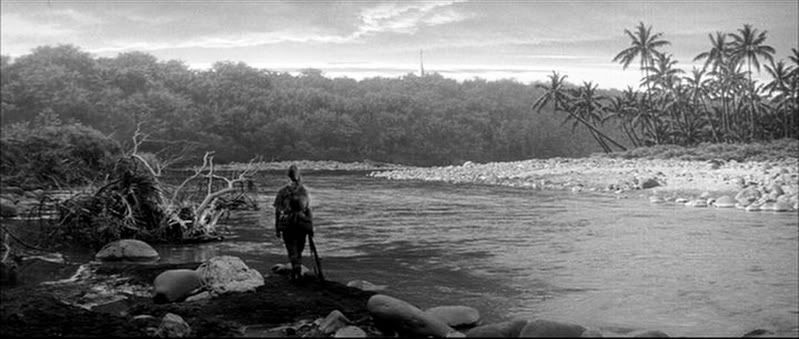
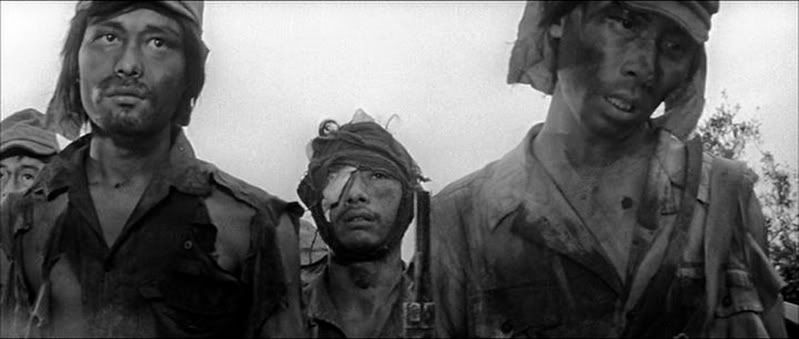
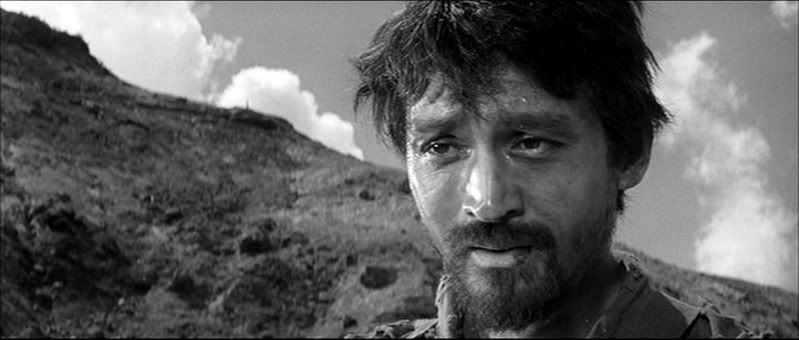
No need to apologize for uncooperative technology. I think the caps look really good (certainly better than the Pandora's Box caps that have been popping up), but people should keep in mind that they've been adjusted in Photoshop, so there's some pixel interpolation going on there that obviously wouldn't appear in the actual DVD.Steven H wrote:Matt, yours look more like what's coming up on PowerDVD. I was using a program to change them to JPG which was squeezing them, apparently. Apologies.